Published: .
Artwork review: pending. The brand's designer and printer must confirm the actual files, authorised font use and release criteria. This guide provides a file-handoff worksheet; it does not approve a typeface licence, a minimum text size or a finished print result.
A tube artwork file opens on the supplier's computer and a missing-font warning appears. The text is still visible, so the temptation is to replace the unavailable font, export a PDF and continue. Yet the replacement may change the shape of the brand name, the line breaks or the space a paragraph occupies. The purchasing team needs an explicit decision before that altered file becomes the print reference.
A cosmetic tube artwork missing fonts check connects the designer's intended appearance with the file that the printer actually receives. Identify the affected text, resolve the font question and compare the release copy with the correct reference. Keep the editable master available for future changes. The two worksheets below make that handoff reviewable without asking procurement to become the font or prepress specialist.
Record the Missing Font Before Changing the File
Preserve the Warning and the Original Artwork
Keep the supplier's description of the warning with the exact filename and revision. Ask which fonts or styles are unavailable and which text objects are affected. Do not reply “use something similar” unless the brand's authorised artwork owner has actually approved a replacement. The first task is to identify the issue, not to make the warning disappear at any cost.
For custom printed cosmetic tubes, retain the current tube layout and the intended physical print size. A font problem inside a product name is different from a missing style in an instruction paragraph, but both need their own review. Record their locations so the designer and printer discuss the same text rather than two screenshots of different areas.
Identify the Font Style as Well as Its Name
Ask for the typeface family, required style and any relevant file or version information that the designer and printer need. Do not assume that a similarly named style is the same design. If the file uses several weights or language-specific characters, identify those requirements separately. Leave unknown details unresolved rather than substituting a generic family name in the approval record.
Adobe's guidance on previewing and replacing missing fonts describes identifying missing fonts and previewing replacements in Illustrator. That capability helps the designer investigate a file. It does not authorise a supplier to change a brand's approved typography or establish that a substitute is acceptable for a particular package.
Decide Who Can Resolve the Font Question
Route the Choice to the Artwork Owner
Name the designer or brand representative who can confirm the correct font or approve a replacement. Ask the supplier to preserve the received file until that person responds. If the brand requests a substitute, record the exact choice and the areas affected. Treat that response as an artwork change, with an identified revision and the required proof review.
The purchaser can keep the question moving by collecting the supplier's warning and the designer's response in one record. Procurement should not silently choose a typeface because a print deadline is approaching. A short, attributed decision is easier to use than a chain of informal comments that never identifies the current approved file.
Confirm How Any Font Files May Be Shared
Ask the relevant owner to confirm what may be supplied to the printer under the applicable permissions. Do not assume that a font installed on one person's computer can be copied freely to another business. Where the proposed delivery method is unsuitable or unclear, ask the designer and printer to agree an authorised alternative rather than putting unverified font files into an RFQ attachment.
Adobe's document packaging guidance describes gathering an Illustrator document, relevant linked assets, fonts and a report. It is a file-organisation feature, not a blanket permission to redistribute every asset. Confirm the actual contents and allowed handoff for the project; do not label a folder “complete” without checking it.
Keep the Editable Master and Release Copy Separate
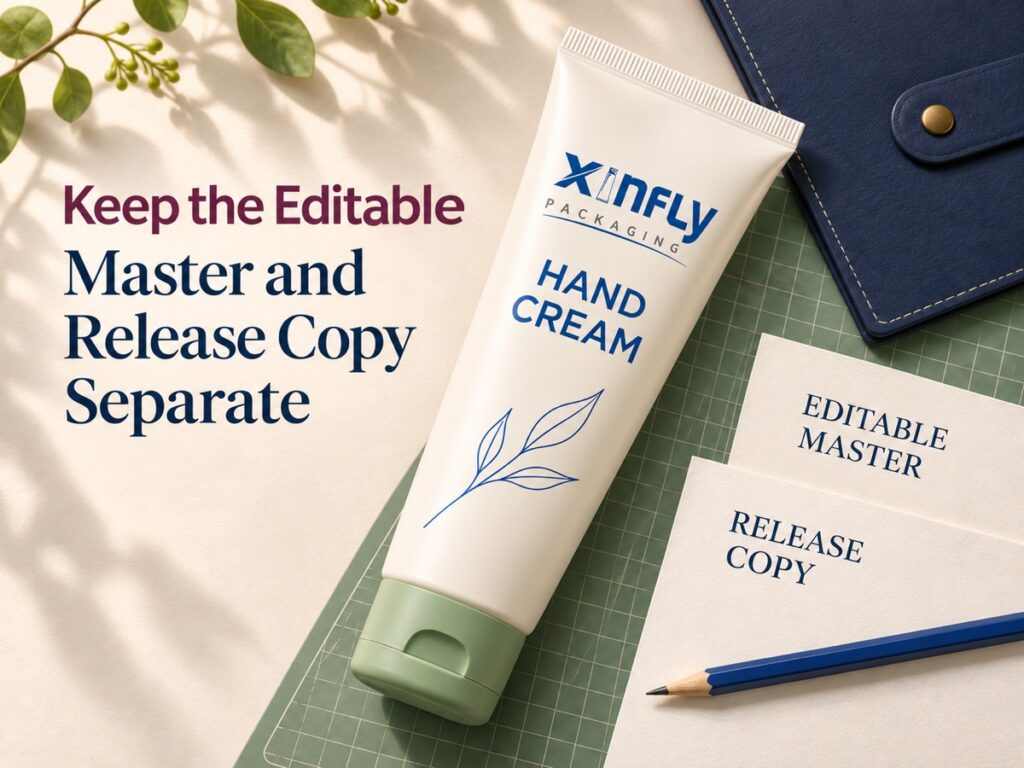
Preserve a Master That the Designer Can Update
Keep the editable master with a controlled filename and revision, together with the required linked assets and font information. Identify who maintains it and how later changes will be issued. A release PDF, a screenshot and an editable design document have different purposes. Do not let the only editable source disappear when a file is adapted for the printer.
For custom printed squeeze tubes, ask the printer which release format and file requirements apply to the proposed job. Record that request instead of imposing a generic export setting copied from another supplier. If an outlined-text copy is requested, have the designer confirm the intended font first and identify the resulting copy separately from the editable master.
Do Not Convert an Unresolved Substitution into the Reference
Turning text into shapes after an unintended font replacement does not restore the original letterforms. It can simply preserve the wrong appearance in another form. Keep the warning unresolved until the correct font or an authorised replacement has been established. Then compare the proposed release copy with the intended reference before calling it approved.
| Field | Information to retain | Question to resolve | Person to identify |
|---|---|---|---|
| Original file | Filename, revision and tube item | Which artwork produced the warning? | File sender |
| Missing fonts | Family, style and affected text | What is actually unavailable? | Designer and printer |
| Intended reference | Correctly rendered reference at the intended size | What should the text look like? | Brand artwork owner |
| Resolution | Correct font access or authorised replacement | Who approved this choice? | Authorised artwork owner |
| Asset handoff | Linked files, font information and permissions to confirm | What may be supplied and in which form? | Relevant asset owner |
| Editable master | Controlled source file and maintainer | Where will future changes be made? | Designer |
| Release copy | Identified PDF or other agreed file | Does it match the intended appearance? | Designer and printer |
| Open questions | Unresolved warning, character or layout issue | What prevents release? | Named decision owner |
Compare Text Content and Layout After Resolution
Check Words, Characters and Line Breaks
Compare the corrected file with the intended text and visual reference. Look at product names, punctuation, numerals, units, special characters and any language-specific glyphs used in the design. Identify actual discrepancies with a location reference. A file opening without a warning is useful information, but it does not by itself prove that every character and line is the approved one.
Check the Whole Text Area
Review the full block rather than only the first word. Ask whether line endings, alignment or spacing changed when the font question was resolved. Check that the text remains inside the agreed artwork area and does not collide with another graphic. These are questions to review on the actual file, not claims that a particular font replacement always causes a defect.
Keep Content Corrections Separate from Design Changes
If the designer also corrects a word or updates an instruction, identify that change explicitly. The approval record should distinguish a font resolution from a content revision. Otherwise a request to fix typography can become the route by which unreviewed text enters the order. Ask the brand's responsible content owner to review any wording change that requires their approval.
Keep the old and new files under separate references. A small change does not justify losing the previous approval record. When the revised file is sent, identify which version it supersedes and ask the printer to confirm receipt of the current release. Avoid a collection of attachments all named “final” without an item or revision.
Review the Finished Tube at Actual Size

Ask for the Proof the Project Needs
Request the appropriate physical reference for the intended decoration and tube layout. Ask the printer what the proposed proof represents and which aspects remain outside its scope. A flat paper print may help with text content while leaving the actual tube's surface or printing process unrepresented. Record the limitations instead of calling every visible sample a finished production proof.
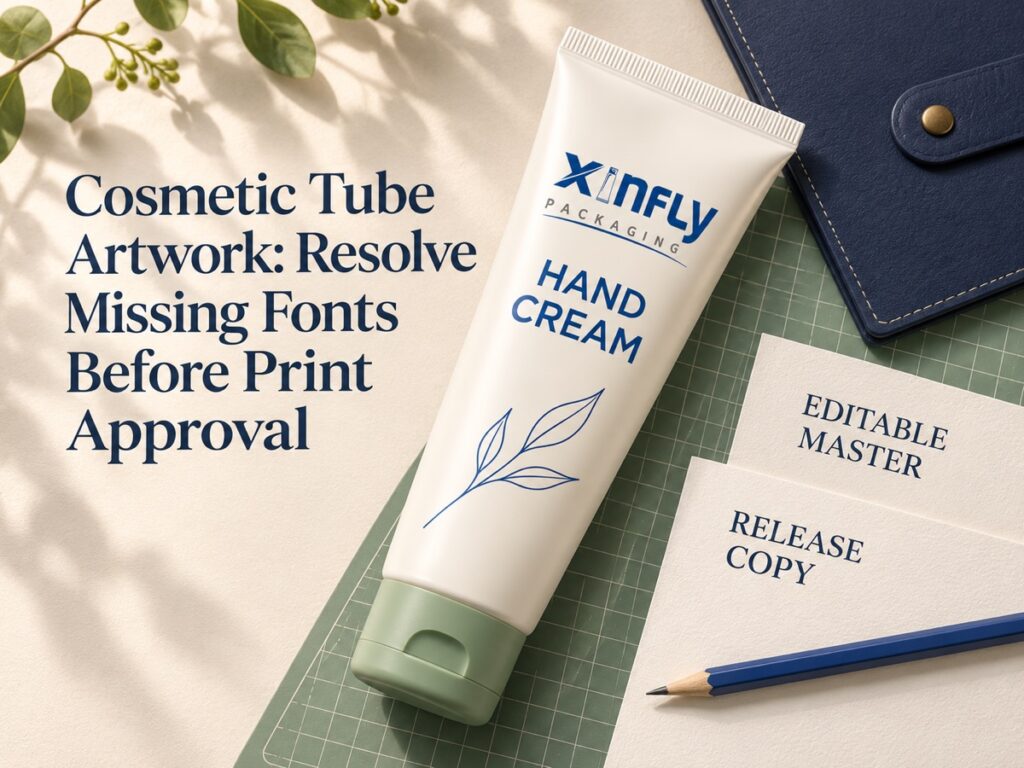
The illustrations use a proposed ivory PE-style hand cream tube with a moulded shoulder, straight sealed tail, closed sage flip cap and original blue-and-grey screen-print-style artwork. The official Xinfly logo, “HAND CREAM” wording and simple blue leaf design remain consistent. The pictures illustrate a file and appearance discussion; they do not demonstrate a measured text size or an approved print result.
Keep Legibility and Font Identity as Separate Checks
The correct typeface can still need a physical readability review for the proposed package. Conversely, a readable substitute is not necessarily the brand's approved typeface. Ask the designer and printer to address both questions. This article sets no minimum font size or line-thickness limit. Those requirements need confirmation for the actual artwork, process and intended use.
For custom cosmetic tube packaging, include the relevant viewing arrangement, actual print size and text locations in the proof request. If an artwork change is required, identify it and ask which approval needs repeating. Keep the decision tied to the actual proof and release revision rather than to an unscaled screenshot in a message thread.
Close the File Handoff Before Releasing the Order
Use a Record That Distinguishes Preparation from Approval
An exported file is a prepared file. It becomes an approved release only through the project's named decision process. Record who checked the content, who confirmed typography and who accepted the printer's proposed file. If one person holds several responsibilities, identify the scope of their actual decision rather than inventing additional reviewers.
| Checkpoint | Evidence reference | Decision to record | Unresolved action |
|---|---|---|---|
| Font warning | Supplier's original report and filename | Correctly identified or clarified | Missing family, style or location |
| Authorised resolution | Designer or brand response | Correct font or approved substitute | Unauthorised or unclear choice |
| Text content | Corrected file and controlled wording | Characters and wording reviewed | Unreviewed content change |
| Layout | Actual-size comparison reference | Line breaks and placement reviewed | Unresolved text-area difference |
| Physical proof | Identified proof and stated limitations | Applicable appearance decision | Questions outside proof scope |
| Release file | Current file and superseded revision | Approved for the stated scope | Conflicting attachments |
| Reorder master | Maintained editable source and release history | Current reference identified | Missing source or ownership record |
Put the Required Work into the Enquiry
Send the current artwork, tube reference, intended print size and a short description of any known font issue. Ask Xinfly Packaging which cosmetic tube printing options and file checks apply to the proposed job. Request any artwork adaptation or proof work as an identified part of the quotation, including the supplier's actual conditions and exclusions.
Keep the designer available for technical file questions. A purchaser can coordinate the handoff without approving an unconfirmed substitute or copying assets whose sharing rights are unresolved. The useful outcome is a controlled source, a matching release copy and a clear record of the decisions that connect them.
Frequently Asked Questions
Can the Printer Replace a Missing Font with a Similar One?
Only through the brand's authorised artwork-change process. Ask the printer to identify the proposed substitute and the affected text. Keep the brand's actual approval and compare the revised file before treating it as the release reference.
Does Converting Text to Outlines Resolve Every Font Problem?
No. It does not restore an intended appearance that was already replaced. Confirm the correct font first, preserve an editable master and identify any requested outlined copy separately. The designer and printer must confirm the release requirements for the actual job.
Is a PDF Enough Without an Editable Master?
A PDF may serve an agreed release purpose, but identify where future text and design changes will be made. Keep the maintained editable master and related asset information under the project's control. Do not assume that the release copy fulfils every later editing requirement.
May I Send Every Font in the Design Folder to the Supplier?
Confirm the applicable permissions with the relevant owner before sharing. A packaging feature or a folder on a computer is not proof of redistribution rights. Ask the designer and printer to agree an authorised handoff when access or permissions are unclear.
What Should Trigger Another Artwork Review on a Reorder?
Ask the responsible owners to assess any changed font, text, layout, tube item or printing proposal. Preserve the original approval and identify the new revision. An earlier release remains a reference to compare, not automatic approval of every later file or package change.
Conclusion
Resolve missing fonts before a cosmetic tube artwork file becomes the print reference. Preserve the original issue, obtain an authorised resolution and compare the actual release copy with the intended design. Xinfly Packaging can use that controlled handoff to discuss the proposed decoration and quotation while the brand retains a clear, maintainable artwork record.