Published: .
Technical review: pending. The printer and brand's artwork owner must confirm the proposed production process, proof type and acceptance criteria. This is a procurement and artwork-review guide, not a statement that a particular gradient has been achieved in production.
A gradient can look effortless on a laptop and become the hardest part of a tube decoration discussion. The artwork owner sees a smooth transition; the purchaser sees a print price; the supplier needs a defined file, substrate and process. If everyone approves a different reference, “match the gradient” is not an instruction that can be checked fairly.
Your lip gloss tube gradient print proof should connect those references before artwork release. Identify the exact gradient areas, request a physical proof appropriate to the proposed decoration, and record what was reviewed. Keep a screen preview for communication, while making the physical reference and its limitations explicit in the purchase record. The two worksheets below help organise that conversation.
Identify the Gradient You Are Asking the Printer to Produce
Record Its Position and Direction
Mark the gradient's start and end areas on the current artwork, using the supplier's tube layout as the position reference. Identify whether the transition runs along the tube, around its circumference or within a small printed panel. A cropped image of a colour transition loses the context that the printer needs to understand its intended size and location.
For custom lip gloss tubes, identify the proposed tube construction and decoration separately from the formula colour. The printed gradient, the base appearance of the tube and the visible filled product can be separate design inputs. A proof request should say which of them is being reviewed rather than allowing one photograph to stand for all three.
Preserve the Source File and Revision
Keep the editable gradient artwork with a controlled revision and export reference. Record the application used, any linked image involved and the intended physical print size. If the supplier requests a different file format or a process-specific adaptation, retain the original and identify the adapted file separately. Do not overwrite the design master just to make the next email attachment look current.
Custom lip gloss squeeze tubes may use shared artwork across several colours or sizes, but the approval reference still needs an item identity. A change to the gradient's length, endpoints or position should be visible as a revision. Ask the printer whether that change requires another proof; do not assume that an earlier approval covers a newly scaled or altered transition.
Distinguish a Screen Image from the Proposed Printed Result
Ask What the Proof Represents
Request a clear description of the proposed proof: a digital simulation, a flat printed sample, a decorated tube or another agreed format. Identify its substrate, decoration process and finishing state. A flat proof may answer some artwork questions while leaving the curved pack or a different surface treatment unresolved. Record those limitations rather than calling every sample a production equivalent.
Adobe's guidance on banding when printing gradients explains that printed transitions may show visible bands when intermediate colour steps cannot be reproduced adequately. That software guidance supports asking the printer about the issue. It does not establish the capability, settings or acceptance limits of a particular cosmetic-tube printing process.
Keep Process Decisions with the Printer
Ask the supplier to identify the proposed cosmetic tube printing process and any changes requested to the artwork. Do not prescribe a screen frequency, output resolution or rasterisation setting based on a general software tutorial. Those choices need to fit the actual equipment, substrate and process. Keep the supplier's recommendation as an attributed response tied to the quote or proof revision.
If a supplier proposes a flat colour, a shorter transition or another alternative, request a clearly labelled option. Compare the commercial and visual implications with the artwork owner. A substitute may be useful, but it should not arrive as an unrecorded change inside a file that still carries the original approval name.
Mark the Gradient Areas for Review
Use Identifiable Review Locations
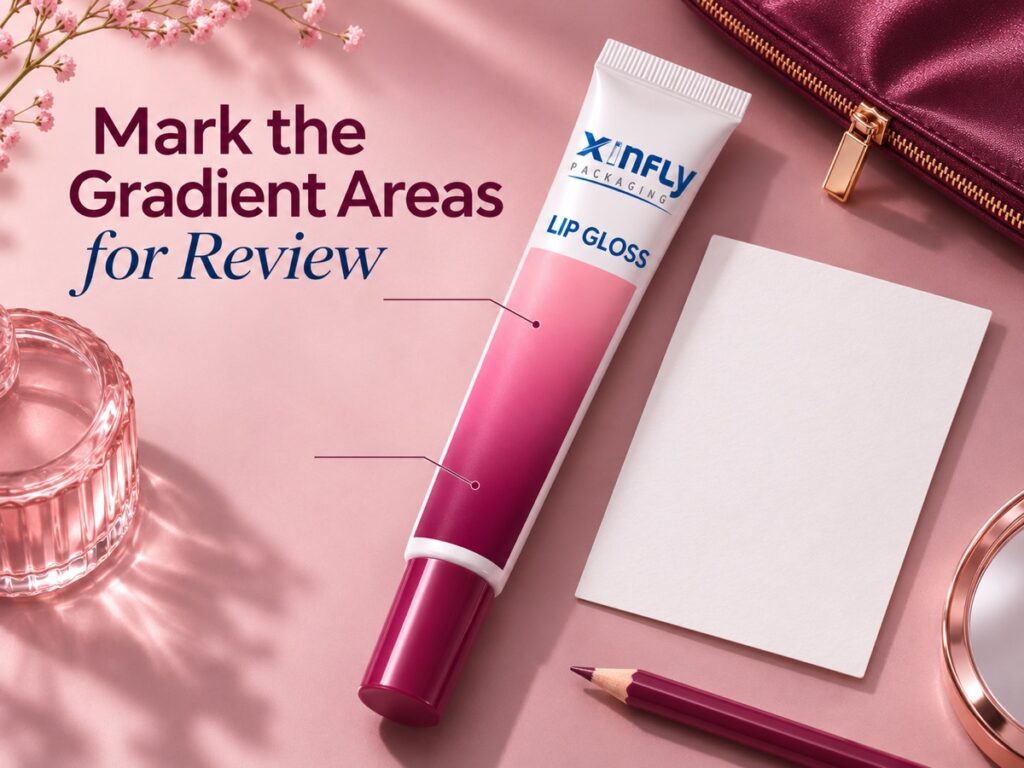
Choose review locations that another person can find on the same artwork or physical sample. These might include the light endpoint, a central transition, the dark endpoint and an area close to small text. The locations are project-specific discussion points, not a universal test pattern. Record the chosen references on the artwork and in the proof sheet.
| Field | Information to identify | Question to resolve | Record to retain |
|---|---|---|---|
| Item and artwork | Tube reference and file revision | Which design is under review? | Controlled file and quote reference |
| Gradient area | Marked position, direction and intended size | Where does the transition start and finish? | Annotated artwork |
| Tube appearance | Proposed substrate and base appearance | Which background is part of the reference? | Material proposal or identified sample |
| Printing process | Supplier's proposed method | Does the quotation cover this artwork? | Attributed process proposal |
| White or opaque areas | Separate artwork reference if applicable | Which areas need their own approval? | Identified separation or design layer |
| Proof format | Simulation, flat sample or decorated tube | Which questions can the proof answer? | Proof description and limitations |
| Review conditions | Agreed lighting and viewing arrangement | How will reviewers compare the same reference? | Project review plan |
| Decision criteria | Named review areas and agreed criteria | Who can approve an alternative? | Brand and printer agreement |
Avoid Inventing a Pass Criterion During Review
Discuss the intended visual result and the decision process before examining the proof. If a numerical colour tolerance is required, the responsible specialists must define its method, instruments, measurement locations and limits. This article supplies none. An unqualified statement such as “no visible banding” still needs an agreed viewing arrangement and a description of what the reviewer is judging.
Record unresolved criteria as open questions. A buyer should not have to decide whether an observed transition is acceptable by comparing memories of different screens. A named physical reference, a marked location and a documented decision provide a more usable purchasing trail, even when the decision is to request another proof.
Check the Proof in Its Intended Setting
Review the Complete Tube as Well as the Detail
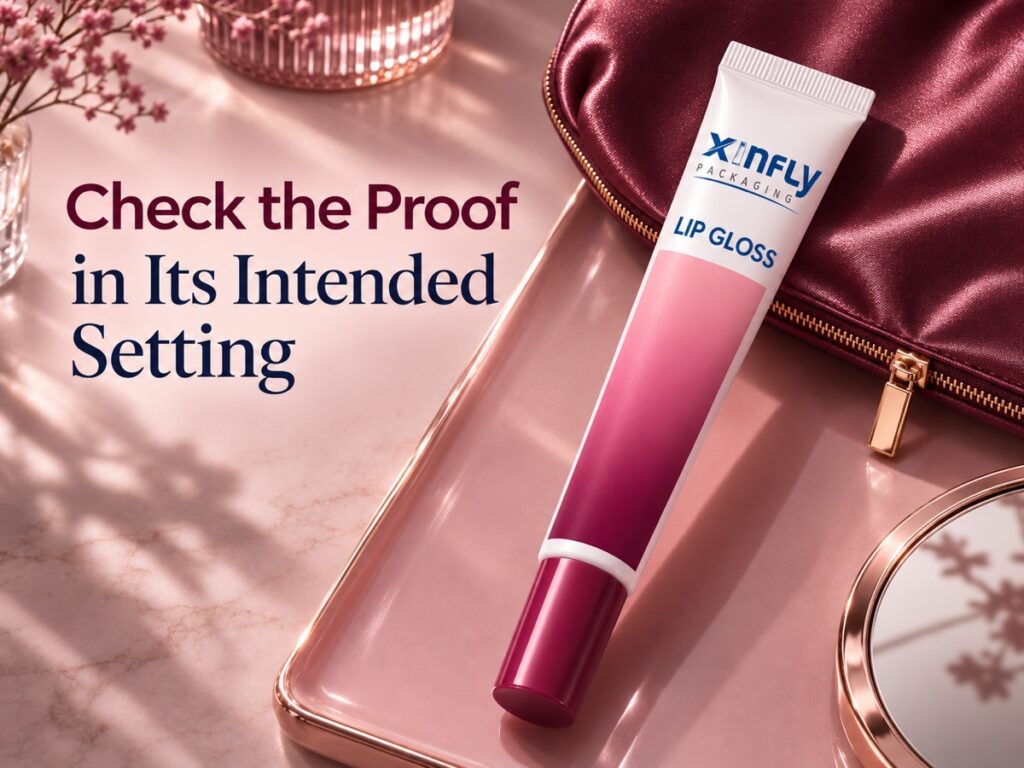
Look at the entire proposed pack before focusing on a small transition area. Check whether the gradient competes with the product name, whether the printed text remains distinguishable and whether the relevant design area is visible in the normal pack arrangement. Ask the artwork owner to decide those questions; procurement should retain the decision and any change request.
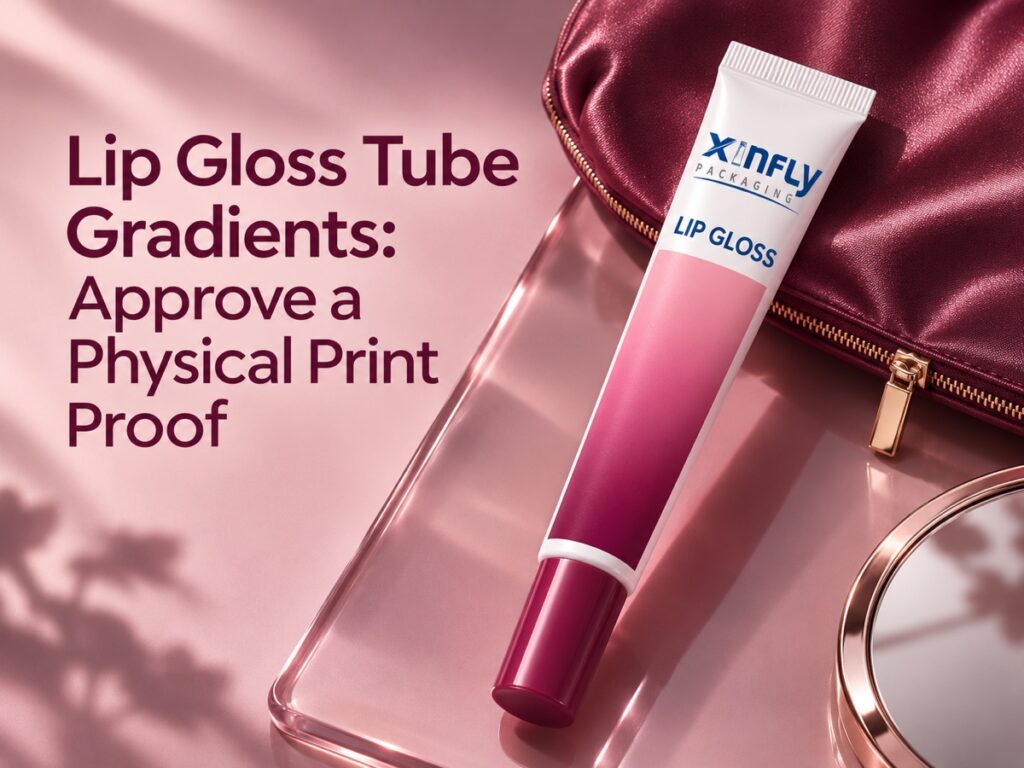
The illustrations use one proposed white PE-style squeeze tube with a moulded shoulder, straight sealed tail, closed plum screw cap and original pink-to-plum offset-style printed panel. The official blue Xinfly logo and “LIP GLOSS” text are part of its tube artwork. These are packaging illustrations, not an approved proof or evidence that a specified printing result has been achieved.
Keep Filled Appearance Questions Separate
If the pack design exposes a clear area, identify whether the review also requires the intended filled product. Do not treat a coloured background, a digital rendering or an unrelated fill as a match for the actual formula. Keep any filled-sample request under the project's approved handling and assessment arrangements. A decoration proof alone does not establish formulation compatibility or final filled appearance.
For lip gloss squeeze tubes, the complete artwork may combine text, line work, opaque areas and transitions. Record the scope of each decision. Approval of the gradient should not be used to approve unrelated small text, an unreviewed white backing or a changed closure. Connect those items through the artwork release record without merging their evidence.
Record Changes Without Losing the Reference
Describe the Location and the Requested Action
An actionable comment names the proof reference, the review location and the required follow-up. “Please revisit the transition in the marked central area” is more traceable than “make it nicer.” If the reviewer wants an alternative endpoint colour, identify that as a new proposal. The supplier should be able to answer the comment without guessing which image or sample was discussed.
When a revised proof is received, retain the previous record and link the new specimen to the new file. Check that the requested change has not moved text, altered a logo or changed another artwork area. Those checks are review questions, not assumptions that every revision introduces a defect. Record actual observations rather than describing a problem that was never seen.
| Record field | Entry to preserve | Follow-up question | Decision owner |
|---|---|---|---|
| Proof identity | Supplier reference, date and item | Does it match the current artwork? | Purchaser and printer |
| Review locations | Marked areas on the same reference | Can another reviewer find each comment? | Artwork owner |
| Observed appearance | Actual comments with reference locations | Is clarification or another proof required? | Named reviewer |
| Proposed change | File revision and supplier response | Does the change affect another area? | Printer and artwork owner |
| Scope limitations | Unrepresented substrate, finish or filled state | Which further review remains open? | Packaging lead |
| Final reference | Approved sample and matching release file | Which reference governs the order? | Brand release owner |
| Reorder use | Current item and production proposal | Has anything relevant changed? | Purchaser and supplier |
Make the RFQ Describe the Approval Work
Ask for the Actual Proposed Proof Scope
Include the current layout, marked gradient review areas, required proof format and delivery destination in the enquiry. Ask the supplier to state proof charges, included revisions and any excluded work in its actual quotation. Do not substitute a general website lead-time or price statement for the project response. Keep the artwork owner available to answer process-specific questions promptly.
Ask Xinfly Packaging to explain which sample development option is appropriate for the proposed decoration and what it can demonstrate. Request the alternative as a separate option if the original artwork needs adaptation. That gives the buyer a clear choice between identified proposals, with the matching proof and file references available for the purchase decision.
Frequently Asked Questions
Can a Screen Preview Be the Only Gradient Approval Reference?
It can communicate the design, but ask the printer and artwork owner what physical evidence the order needs. A screen image does not identify the actual substrate, printing setup or finish. Record which decisions remain open until an appropriate physical reference is reviewed.
Does Adobe's Gradient Guidance Prove a Tube Printer Can Reproduce My Design?
No. Software guidance describes artwork and printing issues in its stated context. The actual supplier must identify its proposed process and proof. Do not turn a tutorial or a general capability description into a project-specific production guarantee.
Should I Change the File Until the Proof Looks Better?
Only through a controlled revision with the artwork owner and printer. Keep the original master, identify the proposed change and request the appropriate updated reference. Untracked edits make it harder to know which design the quotation or approval covers.
Is a Flat Printed Sample Equivalent to a Decorated Tube?
Not automatically. Identify its material, process and scope, then ask which questions it can answer. Tube curvature, final surface treatment or the intended filled appearance may remain outside that sample's coverage. Keep those limitations visible in the release record.
What Should the Reorder File Include?
Keep the approved artwork revision, identified proof or sample, review comments, supplier response and scope of approval. Before a reorder, ask whether the relevant item or production proposal has changed. An old sample is a reference to evaluate, not automatic approval of a different configuration.
Conclusion
Make gradient approval a traceable physical-proof decision. Identify the artwork area, ask what the proposed proof represents and retain the actual review outcome. Xinfly Packaging can use that controlled brief to discuss decoration options and the corresponding quotation, while the brand keeps responsibility for the final artwork release.